
Five Nights at Freddy's 3
Play FNAF 3! Face Springtrap and phantom animatronics while managing failing systems in this terrifying third installment of the horror series.
Five Nights at Freddy's 3
You May Also Like











Five Nights at Freddy's 3 Tip
Prioritize rebooting malfunctioning systems immediately to prevent ventilation errors that allow Springtrap closer access. Seal vents strategically but remember the main office vent stays open permanently.
About Five Nights at Freddy's 3
Five Nights at Freddy's 3 Overview
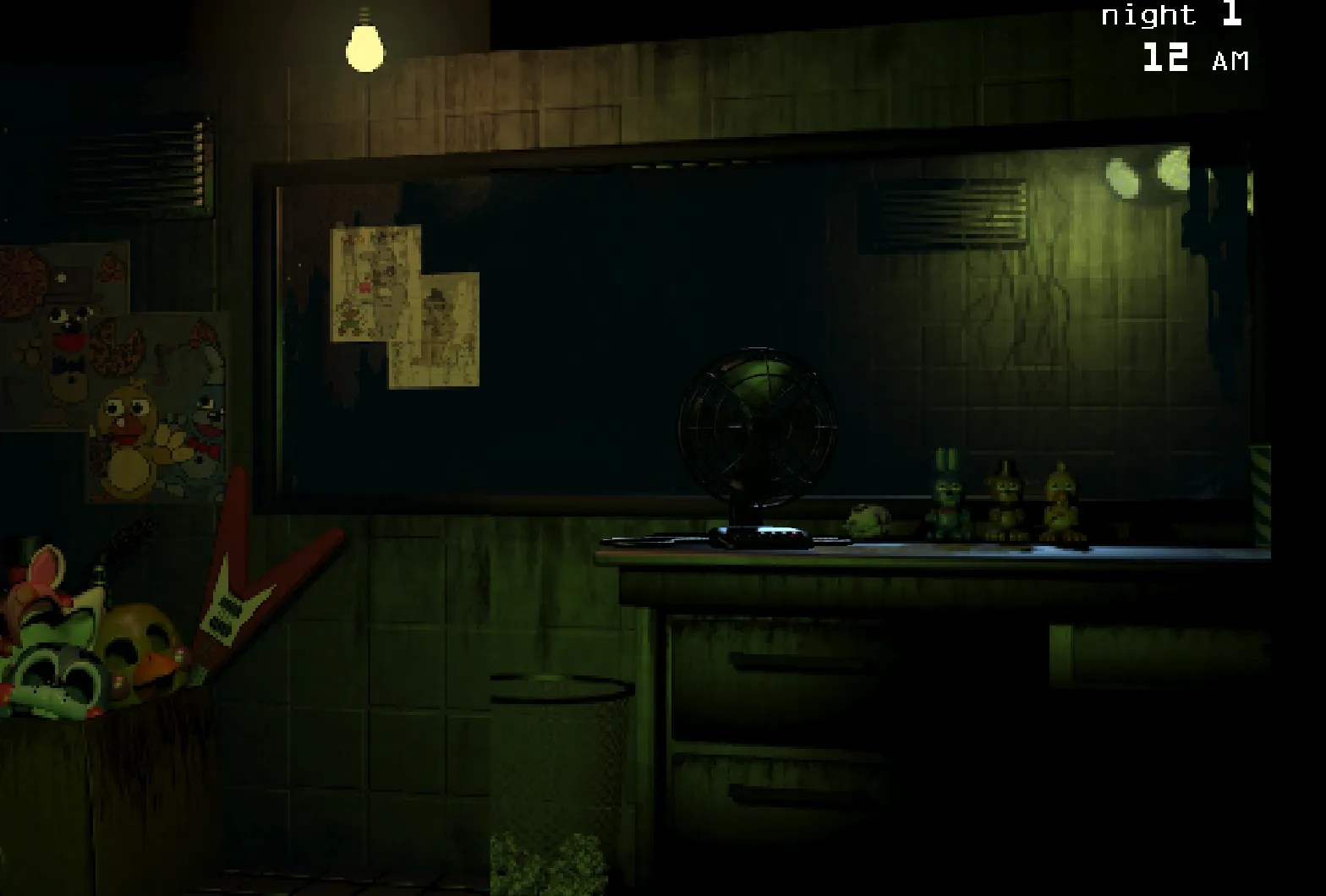
FNAF 3 (Five Nights at Freddy's 3) takes the horror franchise in a bold new direction by introducing a singular, relentless threat: Springtrap, the only fully operational animatronic capable of ending your shift permanently. Set thirty years after the original Freddy Fazbear's Pizza closed, you work as a night security guard in a horror attraction built to capitalize on the legendary urban legends surrounding the restaurant's dark past.
Unlike previous installments where multiple animatronics posed direct threats, FNAF 3 focuses intensity through Springtrap's singular pursuit while phantom animatronics—spectral versions of classic characters—return to sabotage your survival efforts. These phantoms cannot kill you directly but cause critical system malfunctions that leave you vulnerable to Springtrap's advances. This creates a unique challenge where managing technological failures becomes as crucial as tracking the main threat.
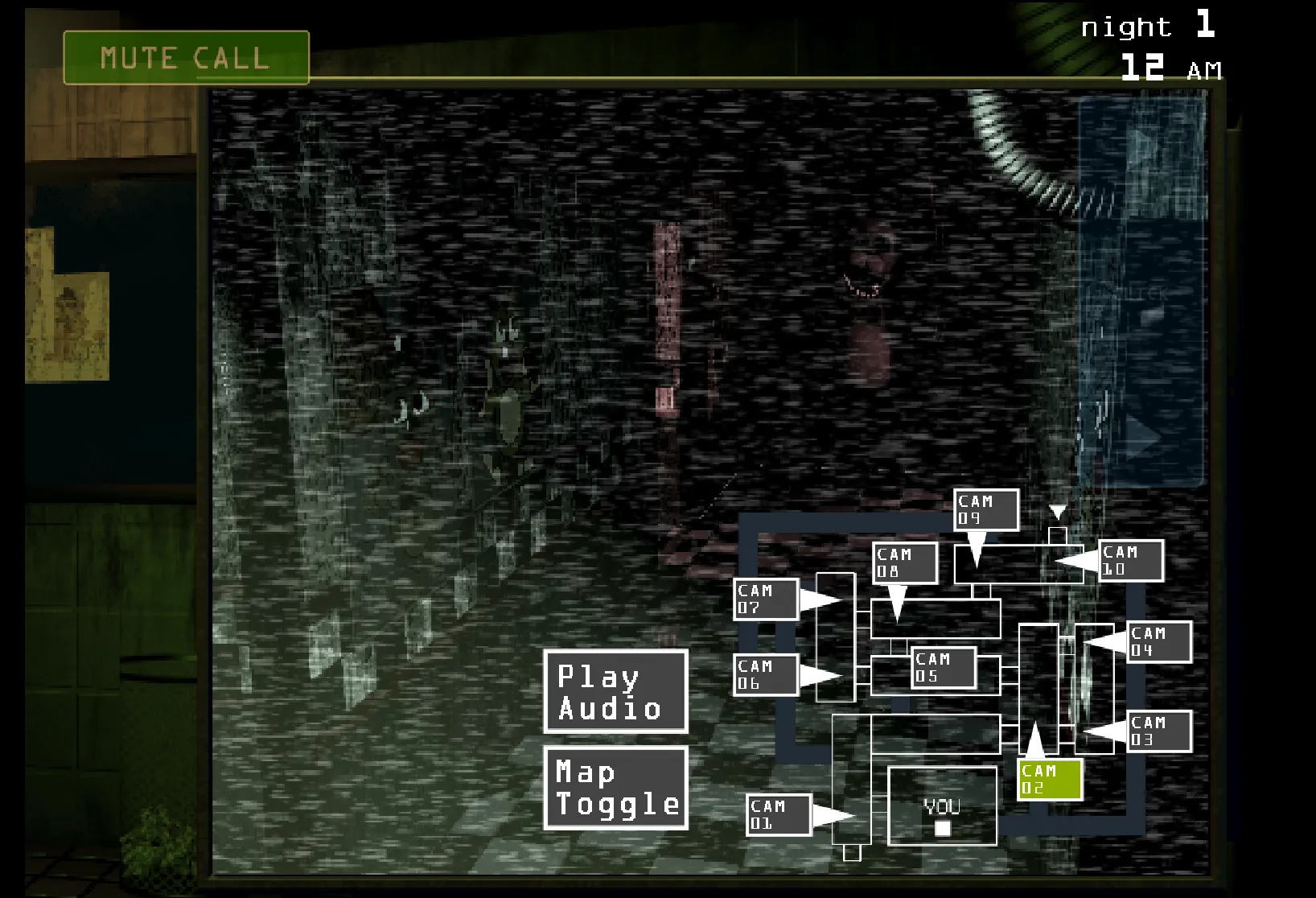
The gameplay mechanics in FNAF 3 introduce a strategic layer through vent sealing and system maintenance. You must constantly monitor security cameras to track Springtrap's position while simultaneously managing three operating systems that randomly malfunction. When systems fail, you lose critical functions like audio lures, camera feeds, or ventilation—each creating dangerous opportunities for Springtrap to reach your office. The permanent vulnerability of the direct office vent adds constant tension, ensuring no defense is ever completely secure. This installment proves that sometimes a single, intelligent enemy combined with failing infrastructure creates more psychological terror than facing multiple foes.
Five Nights at Freddy's 3 Features
- Singular animatronic threat with Springtrap as the sole operational enemy capable of direct attacks, creating focused intensity and psychological pressure throughout all five nights
- Phantom animatronic system where spectral versions of classic characters cause critical equipment malfunctions rather than direct harm, indirectly enabling Springtrap's advancement
- Strategic vent sealing mechanics allowing players to block Springtrap's pathways through the facility, except for the permanently open direct office vent creating constant vulnerability
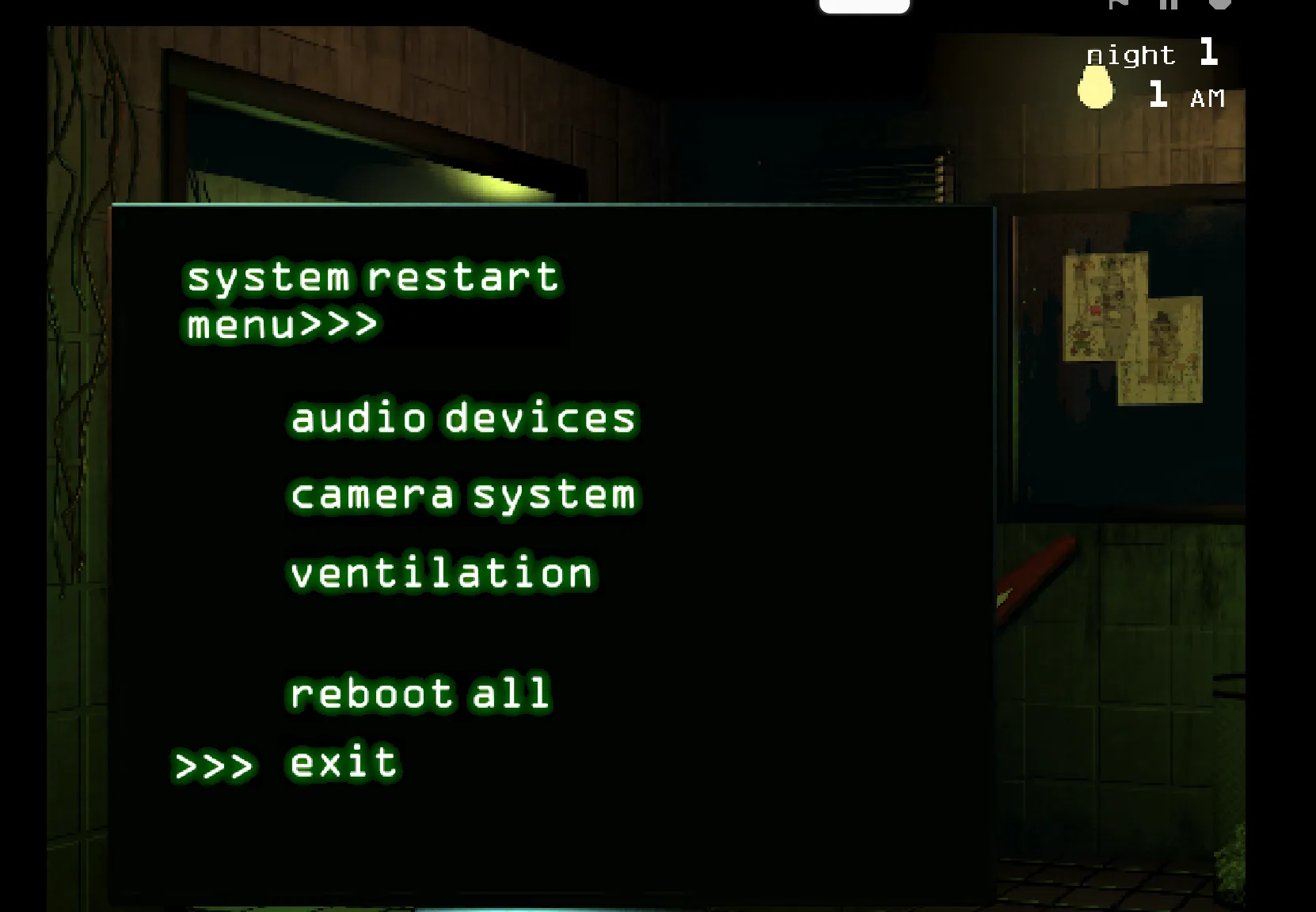
- Triple system maintenance requirement forcing players to monitor and reboot audio, camera, and ventilation systems when they malfunction to maintain defensive capabilities
- Horror attraction setting thirty years after original events, using nostalgic callbacks and urban legend atmosphere to create unique environmental storytelling and tension
How to play Five Nights at Freddy's 3
Game Controls
Mouse Movement
Left Mouse Click
Spacebar (While Hovering)
Maintenance Panel
Camera System
Five Nights at Freddy's 3 Gallery